
Leaving before the HUD changes
An animation or sound is not enough. Confirm the objective text advances before starting another search.
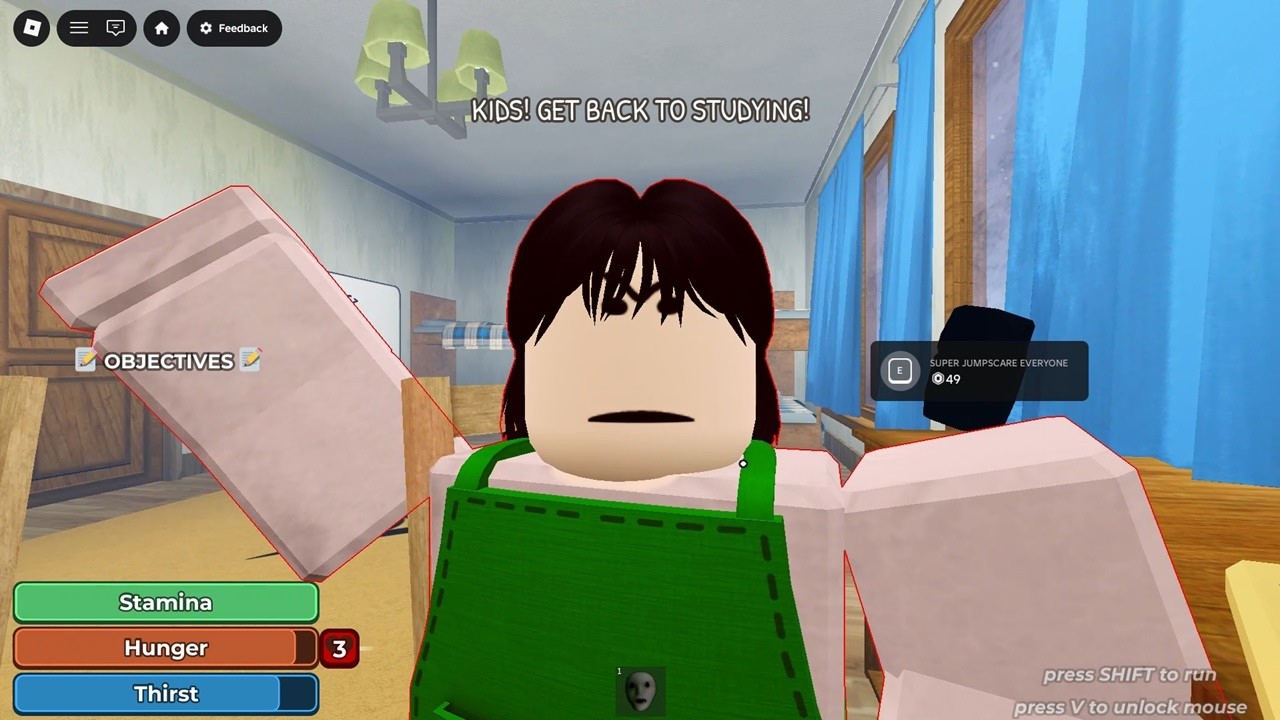
Walkthrough/House
Interactive route companionThe House run moves from changing household objectives into a laptop sequence, pursuit recovery, and the final escape. The exact live HUD wording decides the order in your server. Use the ordered House phase groups for HUD priority, laptop and pursuit handoff, escape, and stuck-state checks.
Start at my current phaseHousehold objectives → survival-state checks → laptop preparation and use → pursuit → return to the interrupted task → escape
Live run companion
0% · 0 of 18 route actions checked
House · Phase 1 of 6
A named household action or object on the objective display.
What we are not guessing: The checked footage supports changing household objectives, not a permanent objective count or one fixed order for every update.
I’m stuck now
Use this guide safely
The route desk follows what is visible in the checked game footage and official surfaces. It does not convert one recorded run into permanent game rules.
Co-op without chaos
Stays on the current household or laptop interaction until the HUD advances.
Watches the approach and calls pursuit before the task player abandons the interaction.
Keeps the return route clear and stays ready to help after a failed chase.
Run killers
An animation or sound is not enough. Confirm the objective text advances before starting another search.
The House run shows stamina alongside other survival meters. Keep some movement margin for pursuit.
A closet or shower is useful only if the recovery leaves you able to resume the interrupted objective.
Keep the interaction player and route watcher synchronized so the team does not lose the next objective state.